
















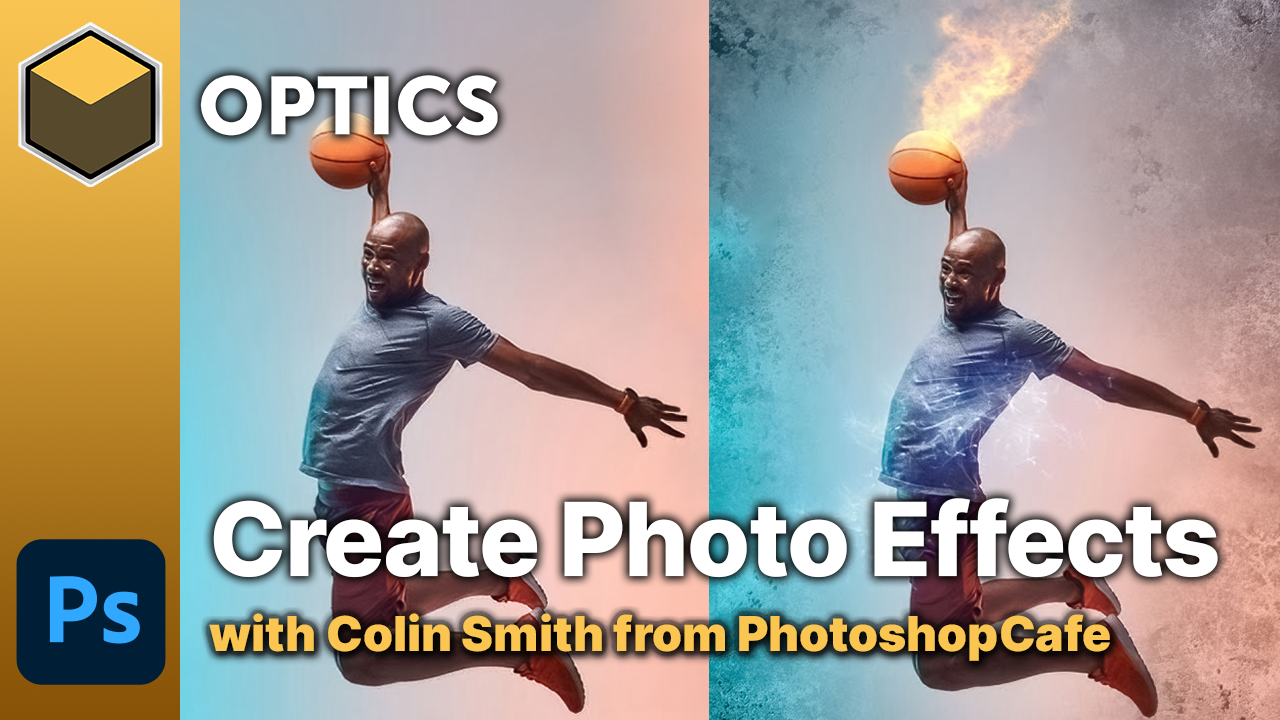
Tired of using overlays or stock footage in your photo editing? Use the Optics plugin inside Photoshop or Lightroom to generate your own custom effects!
In this video, Colin Smith from popular training resource, PhotoshopCafe shows how he has incorporated Optics into his workflow to produce realistic smoke and fire effects. Covering the Particle Illusion category, which was introduced in Optics version 2022.
Subscribe to our newsletter
Get all the latest news, blog posts and product updates from Boris FX, delivered directly to your inbox.
Welcome!
Thanks for opting-in to our newsletter. You'll receive an email momentarily with your confirmation.
